

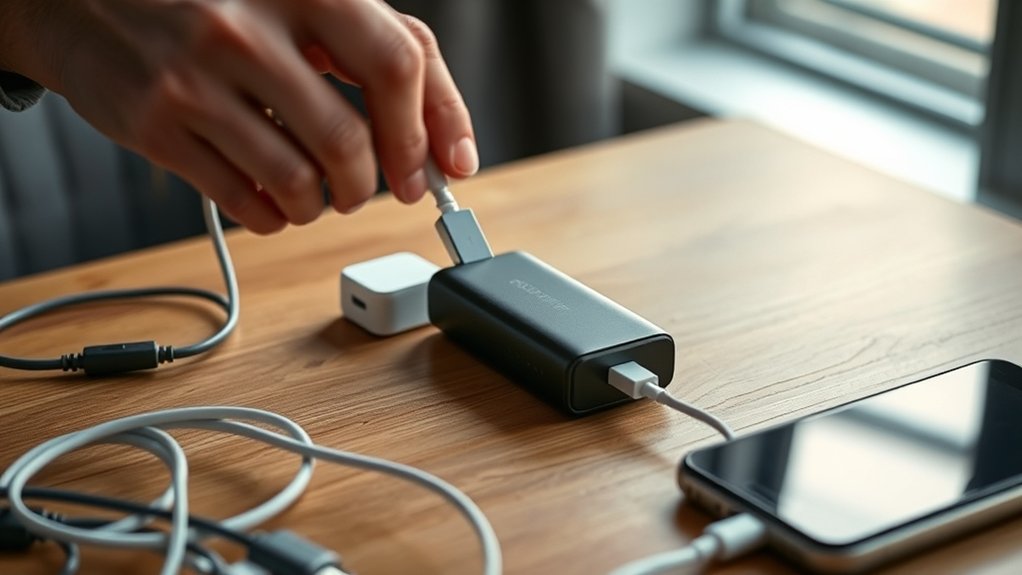
To charge your portable battery charger effectively, start by checking its current battery level to prevent overcharging. Using the proper cable and a certified adapter that matches your charger’s input is essential for safety and efficiency. Always plug the charger into a safe, dry outlet to avoid any electrical hazards.
Ensure all cables are secure and free from damage before beginning the charging process. Charge the device for 4 to 8 hours depending on its capacity, while keeping an eye out for any signs of overheating.
Once the charger is fully charged, unplug it promptly to conserve energy and maintain the battery’s health.
Store your portable battery charger in a cool, dry place to prolong its lifespan. Following these easy steps will keep your charger ready to power up your devices anytime you need. Proper maintenance is key to ensuring your portable battery charger stays in top shape.
Key Takeaways
- Check the battery level using LED indicators or display before starting to charge.
- Use a compatible cable and certified power adapter matching the device’s input port and power specs.
- Connect the charger firmly to avoid loose connections and ensure safe charging conditions.
- Charge the portable battery for 4 to 8 hours based on capacity and charger type for a full charge.
- Avoid overloading outlets and keep the charger away from water or damp environments during charging.
Why and When to Charge Your Portable Battery Charger
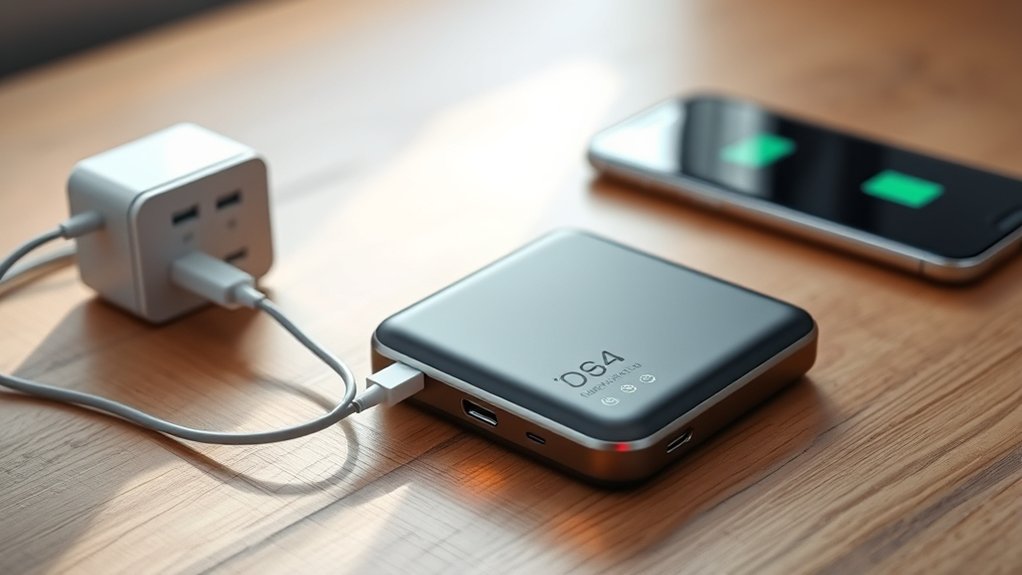
Although it might seem obvious, you should charge your portable battery charger regularly to guarantee it’s ready when you need it most. Waiting until it’s completely drained can reduce its overall lifespan and leave you stranded without power. Charging it after each use ensures you maintain a reliable energy reserve for emergencies or daily convenience.
You don’t want to find yourself stuck with a dead charger when your phone or other devices desperately need a boost. Additionally, keeping your charger topped up prevents deep discharge, which can harm the battery’s capacity over time. Make it a habit to connect your charger to power after outings or when you know you’ll need it soon.
This way, you always have dependable backup power right at your fingertips.
Check Your Portable Battery Charger’s Battery Level
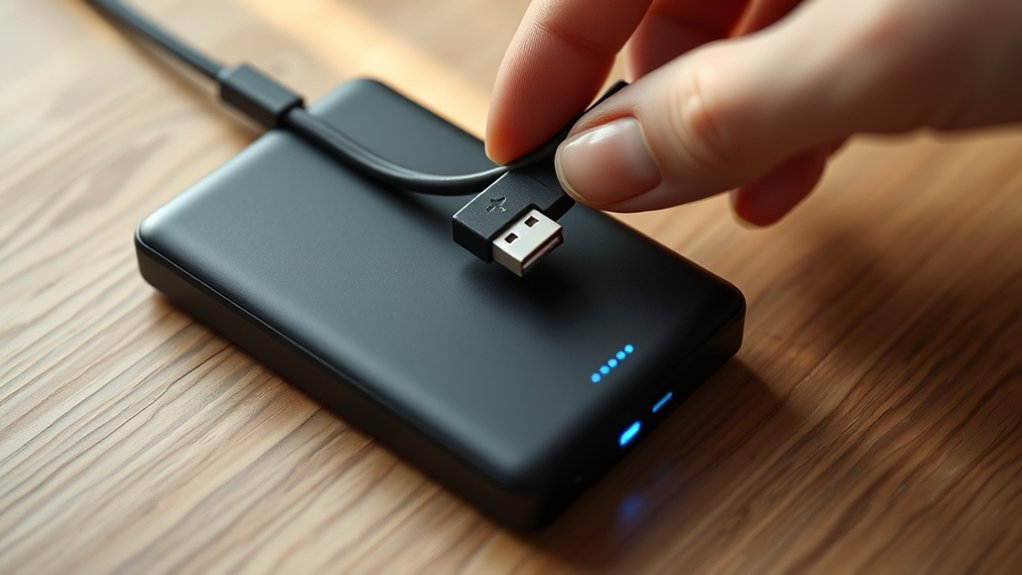
Before you start charging your portable battery charger, you should always check its current battery level to know how much power it needs. Most portable chargers have LED indicators or a small screen displaying the remaining battery percentage. Simply press the power button or check the display to see this information.
If your charger’s battery is already full or nearly full, you might not need to plug it in immediately. On the other hand, if the battery level is low, charging it promptly guarantees you’ll have power when you need it. Regularly monitoring your charger’s battery level helps avoid unexpected power shortages, especially during travel or emergencies.
Make checking the battery level a quick habit before every charge.
Choose the Right Cable and Power Adapter
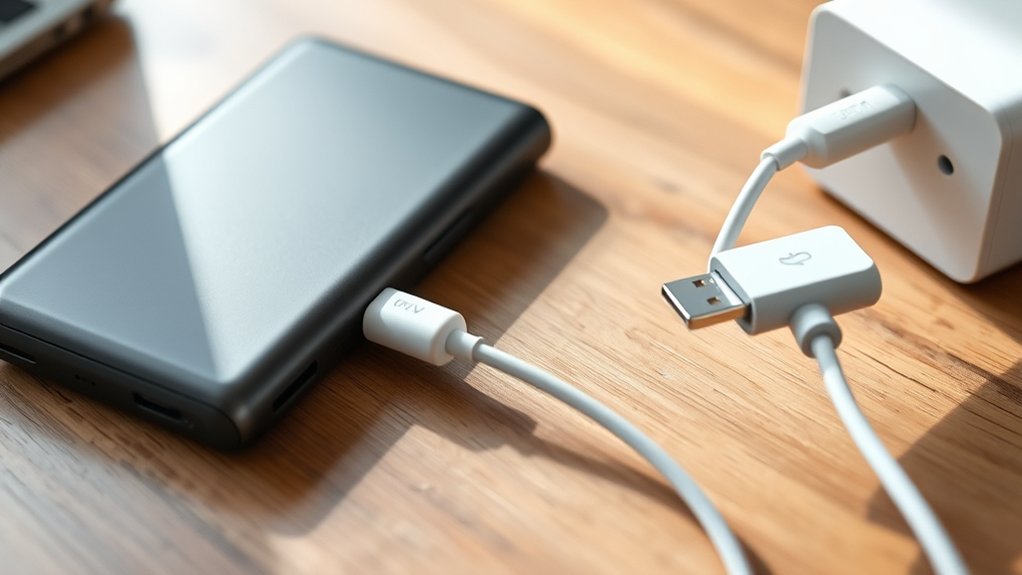
Once you know your portable battery charger’s current power level, the next step is selecting the right cable and power adapter to recharge it effectively. Using an incompatible cable or adapter can slow charging or damage your device.
Check the charger’s input port type and power requirements before picking your accessories.
| Cable Type | Common Use |
|---|---|
| USB-C | Fast charging, modern devices |
| Micro-USB | Older chargers and devices |
| Lightning | Apple products |
| USB-A to USB-C | Standard adapter connections |
| USB-C to USB-C | High-speed charging |
Choose a power adapter that matches your charger’s voltage and current specs. Opt for a certified adapter to guarantee safety and effectiveness.
Plug In Your Portable Battery Charger Safely
When you plug in your portable battery charger, make sure you do it carefully to avoid any damage or safety hazards. Taking a few precautions guarantees your charger stays in good condition and works efficiently.
- Inspect the cable and adapter for any visible damage before plugging them in.
- Connect the cable firmly to both the charger and power source to prevent loose connections.
- Avoid plugging the charger into overloaded outlets or power strips to reduce fire risks.
- Keep the charger and cables away from water or damp areas while charging.
Following these steps helps you charge your portable battery charger safely and extends its lifespan without risking accidents.
How Long to Charge Your Portable Battery Charger
You’ll typically need to charge your portable battery charger for several hours, but the exact time depends on its capacity and the power source. Larger batteries take longer, while faster chargers can reduce the wait.
Understanding these factors helps you know when your charger is ready to use.
Average Charging Duration
Although charging times can vary depending on the capacity and input power of your portable battery charger, most models take between 4 to 8 hours to reach full charge. Knowing the average charging duration helps you plan your device usage and avoid running out of power unexpectedly.
Here’s what you should keep in mind:
- Smaller capacity chargers usually charge faster, often closer to 4 hours.
- Larger capacity chargers can take up to 8 hours or more.
- Using the original or a compatible charger guarantees maximum charging speed.
- Charging overnight is a convenient way to have a fully charged battery by morning.
Factors Affecting Charge Time
Because various factors influence how long it takes to charge your portable battery charger, understanding these can help you optimize charging times and avoid frustration. First, the charger’s capacity matters—a higher mAh rating means it holds more power but takes longer to fully charge. The input current from your power source also affects speed; using a charger with a higher amperage can significantly cut charging time.
Cable quality plays a role too—low-quality or damaged cables slow down charging. Environmental factors like temperature impact efficiency; extreme cold or heat can prolong charging. Ultimately, if you use your portable charger while it’s charging, expect slower fill-up times.
Monitor Your Portable Battery Charger to Avoid Overheating
When charging your portable battery charger, keep a close eye on its temperature to prevent overheating. Overheating can damage the battery and reduce its lifespan. To monitor your charger effectively, follow these steps:
- Charge in a well-ventilated area to allow heat to dissipate.
- Avoid covering the charger with blankets or placing it on soft surfaces.
- Regularly feel the charger’s surface; if it’s excessively hot, unplug it immediately.
- Use the manufacturer-recommended charger and cable to guarantee safe charging speeds.
Unplug and Store Your Portable Battery Charger Properly
After your portable battery charger reaches full charge, unplug it promptly to prevent unnecessary wear and conserve energy. Leaving it connected can shorten its lifespan and waste power.
Once unplugged, store your charger in a cool, dry place away from direct sunlight or extreme temperatures. Avoid areas with high humidity, as moisture can damage internal components. Keep it in a protective case or pouch to prevent dust buildup and physical damage.
If your charger has detachable cables, store them neatly to avoid tangling or fraying. Regularly inspect your charger for any signs of damage or wear before storing it. Proper unplugging and storage help maintain your portable battery charger’s performance and extend its useful life.
Frequently Asked Questions
Can I Use My Portable Charger While It’s Charging?
Yes, you can use your portable charger while it’s charging, but it might charge slower or cause extra heat.
To keep things safe and efficient, it’s best to avoid heavy use during charging whenever possible.
How Do I Know if My Charger Is Compatible With My Device?
You’ll know your charger is compatible if the output voltage and current match your device’s requirements. Check the labels or manual, and verify the connector fits securely.
Using incompatible chargers can damage your device or slow charging.
What Should I Do if My Portable Charger Won’T Hold a Charge?
If your portable charger won’t hold a charge, you should check the cable and ports for damage, try a different power source, and if it still fails, consider replacing the battery or buying a new charger altogether.
Is It Safe to Charge My Portable Charger Overnight?
Back in the days of rotary phones, charging overnight was common and safe. Today, you can usually leave your portable charger plugged in overnight, but it’s best to use chargers with auto shut-off to avoid overheating or damage.
Can Extreme Temperatures Damage My Portable Battery Charger?
Yes, extreme temperatures can damage your portable battery charger. Avoid exposing it to intense heat or freezing cold, as this can reduce battery life and performance.
Keep it in a moderate, dry environment for best results.
Conclusion
Charging your portable battery charger correctly is easier than you think, and it can extend your device’s life considerably. You might’ve heard that leaving it plugged in overnight damages the battery, but modern chargers usually have safeguards to prevent this.
Still, staying mindful of charging times and temperature keeps your charger working efficiently. So, follow these simple steps, and you’ll always have power when you need it most—no surprises, just reliable energy.
By following these guidelines on how to charge a portable battery charger, you ensure optimal performance and longevity. Proper charging habits help maintain battery health and provide consistent power on the go. Remember, a well-charged portable battery charger is your dependable companion for all your charging needs.

